Your practice record
Photograph practice work for useful feedback
Give your tutor clear context with honest, consistent images of your own exercises.
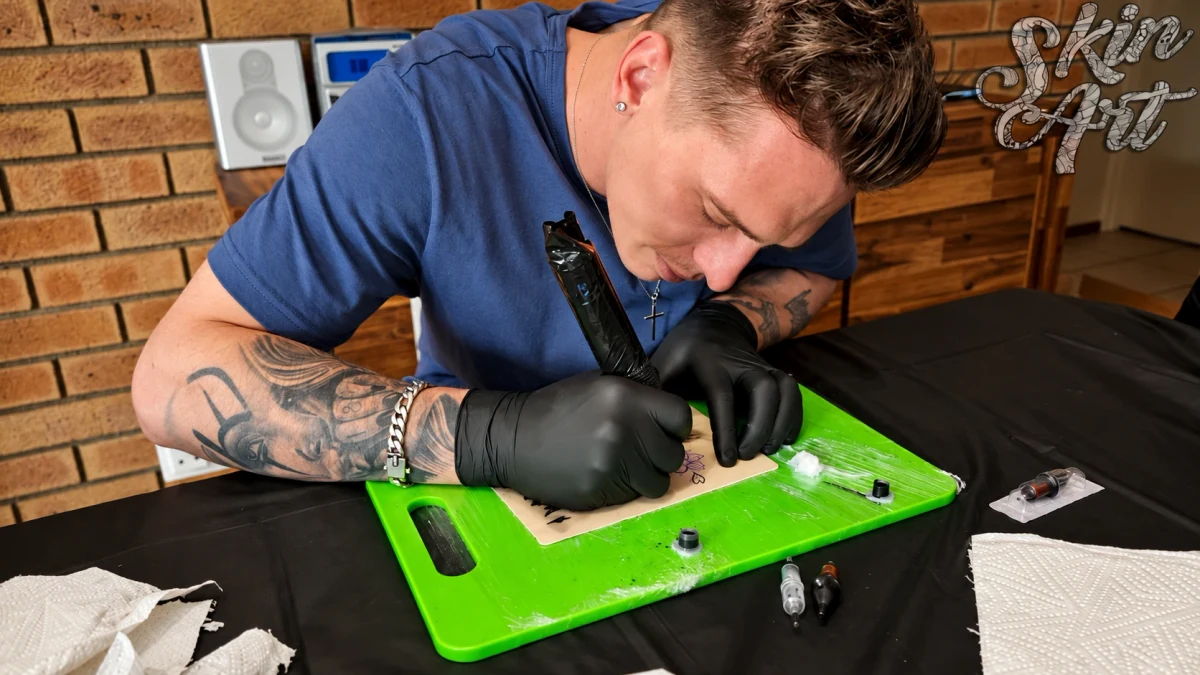
Show the complete exercise
Begin with a photograph of the whole practice surface. Keep it flat and place the camera square to it. Include the edges so the viewer can understand the size and arrangement of the work. Add a close-up only after the complete view.
Use steady, even light
Choose light that shows detail without a bright reflection across the work. Keep the lighting and camera position similar when comparing attempts. Check focus before sending the image. Avoid filters, smoothing or edits that hide the marks you need help with.
Explain what the viewer is seeing
Name the exercise and describe the intended result. Ask a specific question, such as which part of a line-control exercise needs more consistent practice. Follow your course instructions about what equipment and setup details to include.
Protect privacy
Use your own practice work. Keep private documents and other people out of the frame. If your course requires another kind of submission, follow the tutor’s instructions rather than substituting a social-media presentation.
A short check before you submit
- Open the full-size photograph and check that the marks are in focus, not just the background.
- Include one complete view and a close-up of the area you are asking about. Keep both from the same attempt.
- Name the files with the exercise and attempt number, such as line-study-attempt-02-whole and line-study-attempt-02-detail.
- Add the lesson name, date and one question. Use the file format and submission channel your tutor requests.
For a paper drawing study, a useful note might be: "This is my second attempt at the same outline. The spacing narrows at the bottom right. I have included the whole sheet and a detail of that corner. Which part should I repeat first?" This gives the reviewer a clear task without needing a long message.
If the uploaded preview looks blurred, compare it with your original before sending another copy. Keep the original file so your tutor can request more detail if needed.
Tools for your next session
Use the practice log to connect an exercise with its feedback, and the weekly study planner to make time for the work and review.
For delicate design details, the fine-line practice review checklist helps you connect the whole photograph, a close-up and a specific tutor question.
Explore the current training options
Choose your region to review local course details, prices and enrolment terms on Skinart Training.